Supercharge Your Applications with Azure Functions v4, C# and .NET 8: A Deep Dive
Explore the power of Azure Functions v4, C# 12, and .NET 8 for building efficient and scalable serverless applications
Introduction
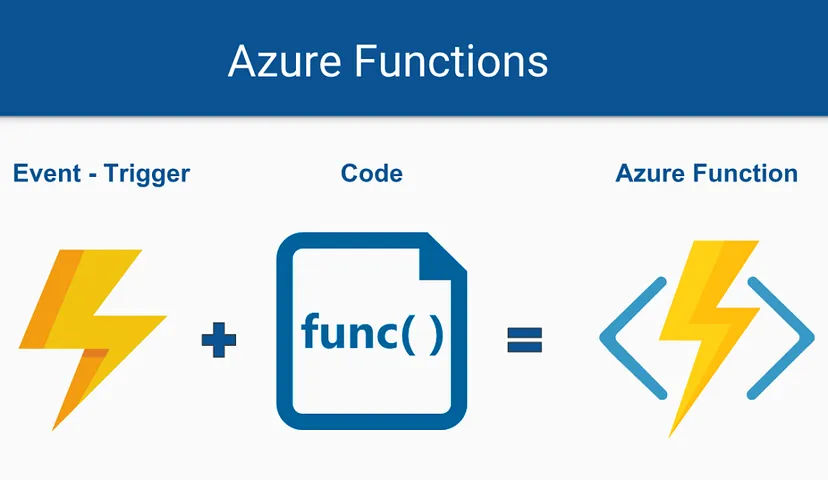
Azure Functions, Microsoft's serverless compute platform, empowers developers to build and deploy event-driven applications without worrying about infrastructure management. With the release of Azure Functions v4, alongside the powerful features of C# 12 and .NET 8, the possibilities for crafting efficient and scalable solutions are truly boundless.
What's New in Azure Functions v4
Azure Functions v4 introduces several key improvements:
- Enhanced performance
- Improved cold start times
- Full support for .NET 8's latest features
These improvements result in:
- Increased developer productivity
- Better cost optimization
- Improved application scalability
Leveraging C# 12 and .NET 8
The combination of C# 12 and .NET 8 brings several advantages:
C# 12 Features
- Streamlined code syntax
- Enhanced readability
- Perfect fit for serverless functions
.NET 8 Benefits
- Significant performance improvements
- Robust cross-platform capabilities
- Strong foundation for serverless apps
Azure Functions in Modern Architecture
Azure Functions excel in various scenarios:
-
Microservices Architecture
- Independent, scalable components
- Event-driven communication
- Flexible deployment options
-
Standalone Functions
- Scheduled tasks
- Webhook handlers
- Event processors
Real-World Applications
Let's explore two practical scenarios:
1. Image Resizing Microservice
- Automatic image processing
- Multiple size generation
- Efficient storage management
2. Email Automation System
- Triggered email sending
- Template management
- Queue-based processing
Best Practices and Optimization
To get the most out of Azure Functions v4:
-
Performance Optimization
- Use dependency injection
- Implement caching strategies
- Optimize trigger bindings
-
Development Practices
- Follow clean architecture principles
- Implement proper logging
- Use configuration management
Conclusion
Azure Functions v4, empowered by C# 12 and .NET 8, provides a potent platform for building modern, scalable applications. By embracing the serverless paradigm, you can focus on delivering value and innovation, leaving the complexities of infrastructure management to Azure.
Remember to:
- Start with small, focused functions
- Use appropriate triggers and bindings
- Monitor and optimize performance
- Keep security in mind
The combination of Azure Functions v4, C# 12, and .NET 8 offers a powerful toolkit for building the next generation of cloud applications.